> For the complete documentation index, see [llms.txt](https://stead.gitbook.io/stead/llms.txt). Markdown versions of documentation pages are available by appending `.md` to page URLs; this page is available as [Markdown](https://stead.gitbook.io/stead/introduction/how-do-i-mint-stead.md).
# How Do I Mint Stead?
How the Dapp works
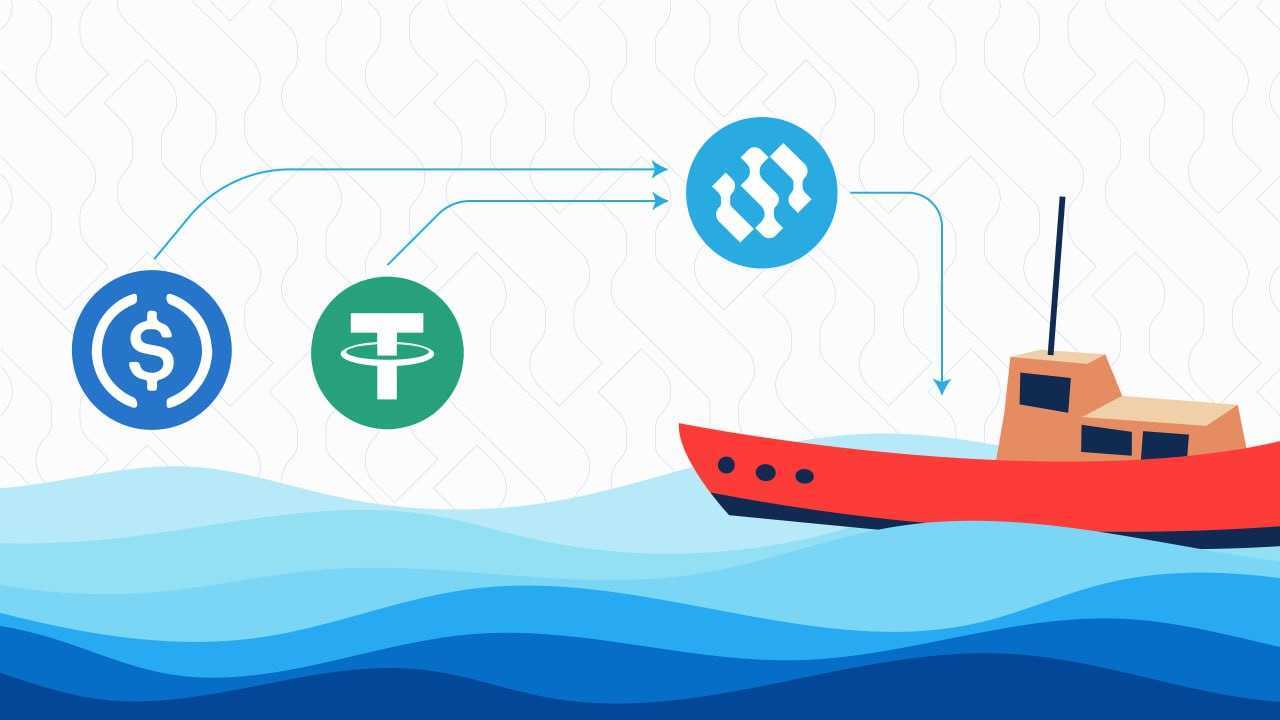
Stables can be used on the Arbitrum network to mint Stead, they are also accessible on Uniswap.
After going to you will be able to access a page on the Front End called the Marketplace. On this page, you will be able to choose which floating asset you would like to contribute funds towards. The page may be called the 'Marketplace' but their is actually only one thing that can be bought here, which is Stead tokens.
The floating assets visible on the marketplace page are part of projects run by heavily vetted companies, individuals, or organizations called 'Operators'. Effectively, these Operators request a particular floating asset such as a Tuna Fishing Boat or a Shrimp Cage. Then they write up a business plan pertaining to the asset, and explaining how they intend to use it.
If the Operator's proposal passes, the floating asset they have requested will be displayed on the Marketplace, where you can then choose which asset you want to help fund in exchange for Stead. From the item's page, you can then pay with USDT to mint Stead, and the USDT will be given to the Operator to fund the acquisition of their desired asset. In the future, more stablecoins may be added to the list of payment options.
All information about an Operator and their requested item will be displayed on the item's page. To learn more about the funding process, please continue to the next Section 'How does the Funding Process Work?'